

Introduction:
The Role of Advanced Design Software in Commercial Interiors
The world of commercial interior design is rapidly evolving. Gone are the days of relying solely on manual sketches and endless revisions. Today, advanced design software has transformed how architects, designers, and business owners visualize and implement commercial interiors. From creating efficient layouts to enhancing aesthetic appeal, these tools offer precise, innovative solutions that save time and money.
In this blog, we’ll explore how advanced design software simplifies the process of designing commercial interiors, ensuring businesses achieve functional, stylish, and personalized workspaces.
1. Why Advanced Design Software is Essential for Commercial Spaces
Efficiency in Space Planning
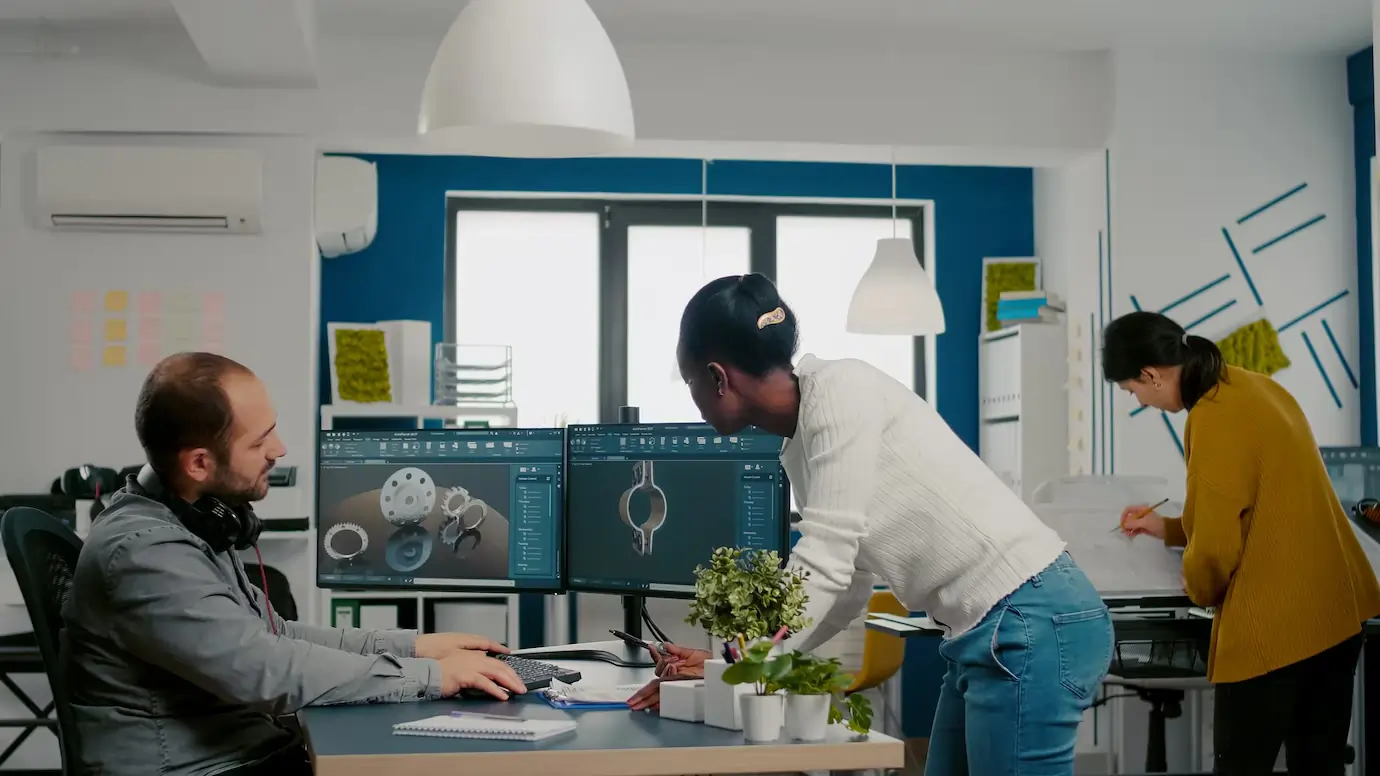
Commercial interiors often require maximizing functionality within limited square footage. Advanced design tools like AutoCAD and Adonai Design Software enable precise space planning by:
Allowing users to create 2D and 3D models for a clear spatial overview.
Optimizing furniture and equipment placement for workflow efficiency.
Providing virtual walkthroughs to identify potential issues before implementation.
This technology ensures that businesses can make informed decisions, avoiding costly mistakes during the design process.
Customization to Fit Business Needs
Each business has unique requirements. For instance, a coworking space demands flexibility, while a retail store prioritizes customer flow.
Design software simplifies customization by offering:
Pre-built templates tailored to specific industries.
Tools to incorporate brand colors, logos, and visual themes seamlessly.
Options to adjust layouts dynamically as needs evolve.
This adaptability ensures commercial interiors align perfectly with operational goals and branding.
Time and Cost Savings
Manual design processes can be time-consuming and prone to errors, leading to delays and budget overruns. Advanced software reduces these risks by:
Automating repetitive tasks like dimensioning and material calculations.
Offering real-time collaboration between designers, clients, and contractors.
Generating accurate cost estimates for materials and labor upfront.
Such features streamline the design-to-execution journey, saving valuable resources.
2. Features of Advanced
Design Software for Commercial Interiors
3D Visualization
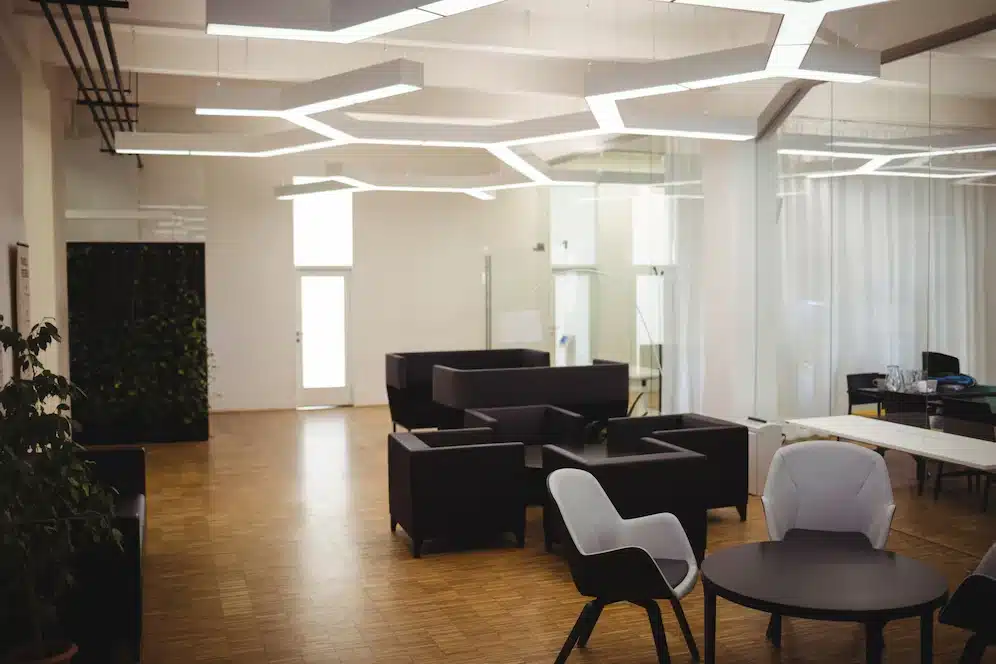
One of the standout features of modern design software is its ability to create immersive 3D visualizations. This enables clients to:
See exactly how their commercial space will look and feel.
Experiment with different layouts, furniture arrangements, and color schemes.
Identify design flaws before physical construction begins.
Tools like SketchUp and Adonai Design Software excel in providing realistic renders, making them invaluable for client presentations.
Integration with Smart Technology
Incorporating smart technology into commercial interiors is no longer optional—it’s a necessity. Advanced design software supports:
Integration of IoT devices like automated lighting, temperature control, and smart desks.
Simulating energy-efficient layouts to reduce operational costs.
Planning for tech-friendly workspaces, such as meeting rooms with interactive displays.
This ensures commercial spaces remain future-ready and technologically advanced.
Material and Resource Libraries
Modern software comes with extensive material libraries, helping designers choose:
Eco-friendly and sustainable materials for green building certifications.
Industry-specific finishes, such as anti-slip flooring for hospitals or acoustic panels for offices.
Cost-effective alternatives without compromising on quality or aesthetics.
This feature empowers businesses to make eco-conscious and budget-friendly choices.
3. Benefits of Using Advanced Design Software in Key Commercial Sectors
Retail Stores
Designing retail spaces involves creating an environment that attracts customers and promotes sales. Advanced design software helps by:
Crafting layouts that guide customer flow effortlessly.
Highlighting display areas for promotional products.
Ensuring compliance with safety and accessibility regulations.
Offices
Modern offices prioritize employee well-being and productivity. Design software enables:
Creation of ergonomic workstations and collaborative zones.
Simulation of natural lighting to reduce energy costs and improve ambiance.
Designing flexible spaces that can adapt to hybrid work models.
Hospitality and Restaurants
For hotels and restaurants, ambiance plays a critical role in customer satisfaction. With advanced design tools, businesses can:
Design aesthetically pleasing dining and reception areas.
Optimize kitchen layouts for operational efficiency.
Plan for unique themes or brand-specific decor.
4. How to Choose the Right Design Software for Your Needs
Ease of Use
Opt for user-friendly software that requires minimal training. Tools like Adonai and Floorplanner are designed for both professionals and beginners.
Budget and Features
Determine your budget and compare software features. Some platforms, like AutoCAD, offer extensive functionalities, while others are more cost-effective with essential tools.
Industry-Specific Tools
Look for software tailored to your sector. For instance, retail businesses may benefit from software with customer flow analytics, while office spaces might prioritize ergonomic design features.
5. Trends in Commercial Interior Design Software
AI-Powered Design Assistance
Artificial intelligence is revolutionizing design by offering:
Automated suggestions for layouts based on space dimensions.
Predictive analytics for design trends and customer preferences.
Cloud-Based Collaboration
Cloud integration allows real-time updates and collaboration between stakeholders, ensuring faster approvals and fewer misunderstandings.
Virtual Reality (VR) Integration
VR capabilities let clients “walk through” their designs, providing a hands-on experience and increasing confidence in the final plan.
6. Tips for Leveraging Design Software Effectively
Start with Clear Objectives: Define the purpose of your space and communicate it clearly to your designer.
Utilize Tutorials and Support: Many software tools offer tutorials and customer support to help users maximize their potential.
Keep Flexibility in Mind: Design for adaptability, allowing your commercial space to evolve with your business.
7. Why Choose Adonai Design Software for Commercial Interiors
Adonai Design Software stands out for its:
Intuitive interface, perfect for beginners and experts alike.
Comprehensive material library with eco-friendly options.
High-quality rendering capabilities for realistic visualizations.
Affordable pricing plans tailored to businesses of all sizes.
Conclusion: The Future of Commercial Interiors with Design Software
Advanced design software is no longer a luxury but a necessity for commercial interiors. Whether you’re revamping an office, setting up a retail store, or designing a restaurant, these tools provide unparalleled efficiency, creativity, and cost savings.
Embracing technology like Adonai Design Software ensures your business stays ahead of the curve, offering spaces that are functional, aesthetically pleasing, and aligned with modern needs.
Ready to simplify your commercial interiors? Explore the possibilities with Adonai today!